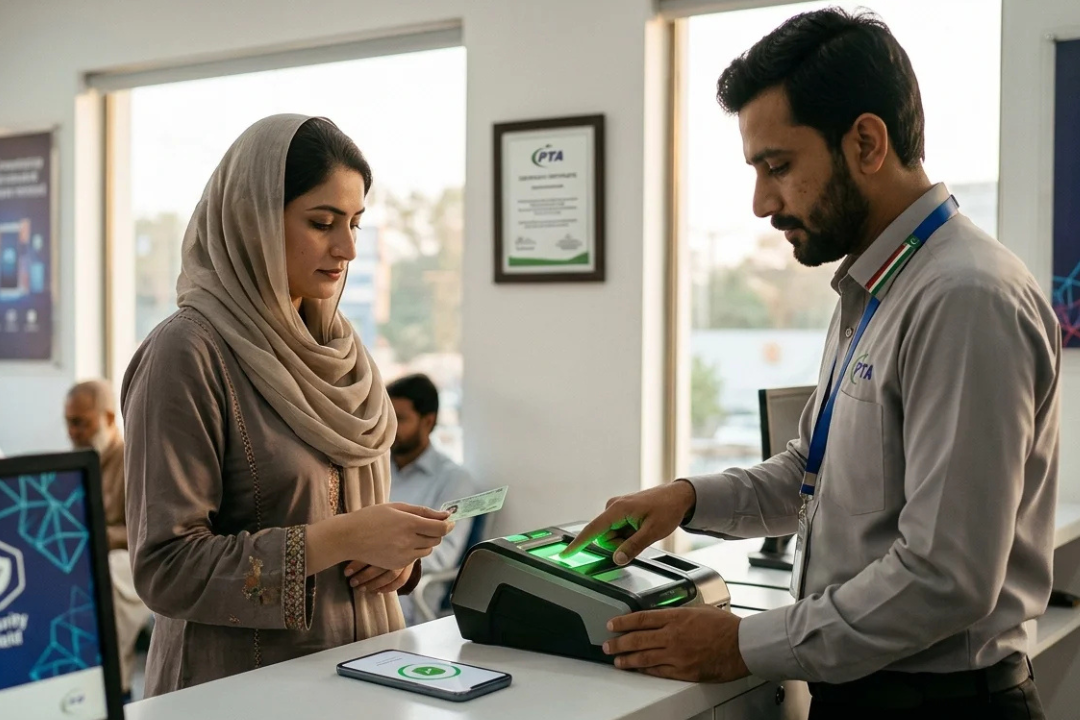

Renewing your CNIC used to be one of those things you kept putting off.
Not because it’s difficult.
But it meant going to an NADRA office, standing in line, waiting your turn, and hoping everything goes smoothly.
Now, things have changed.
With NADRA CNIC renewal online, you can complete most of the process from home. No long queues. No unnecessary visits.
But here’s what many people don’t realize:
The process is only smooth if you understand it before you start.
Otherwise, small mistakes can delay your application.
NADRA CNIC Renewal Online – Quick Overview
| Factor | Details |
|---|---|
| Service Type | Normal, Urgent, Executive |
| Fee Range | Rs. 750 – Rs. 2,500 |
| Processing Time | 5 days – 4 weeks |
| Application Method | Online via NADRA portal |
| Payment Options | Card / Online payment |
| Delivery | Home delivery via courier |
This table gives you a quick snapshot of how NADRA CNIC renewal online works.
What NADRA CNIC Renewal Online Really Means

At its core, NADRA CNIC renewal online is just a digital version of the same process you’d normally do at a registration center.
You apply online, submit your details, upload your photo or documents, pay the fee, and wait for delivery.
That’s it.
No complicated system.
No unnecessary steps.
It’s especially useful if:
- You’re short on time
- You want to avoid queues
- You prefer handling things digitally
For most people today, it’s simply the easier option.
When You Should Renew Your CNIC
Many people wait until the last moment.
That’s not always smart.
You can apply for CNIC renewal online if:
- Your CNIC has expired
- It’s about to expire
- It’s damaged
- You’ve lost it
If your card is close to expiry, it’s better to renew early rather than deal with urgency later.
| Service | Fee | Estimated Time |
|---|---|---|
| Normal | Rs. 750 | 2–4 weeks |
| Urgent | Rs. 1,500 | 7–14 days |
| Executive | Rs. 2,500 | 5–7 days |
With NADRA CNIC renewal online, you’re mostly paying for speed—not a different type of card.
How to Apply Without Mistakes
The process is simple—but details matter.
First, create an account on the NADRA portal.
Then:
- Select CNIC renewal
- Enter your information carefully
- Upload a clear photo
- Complete verification
- Choose your service type
- Pay the fee online
This is where many people rush.
Don’t.
A small mistake—like a blurry image or wrong entry—can delay your application.
Take your time.
How Long Does It Actually Take
Here’s what you can expect:
- Normal: 2 to 4 weeks
- Urgent: 1 to 2 weeks
- Executive: under 1 week
In most cases, NADRA CNIC renewal online follows this timeline.
But delays can happen due to:
- High demand
- Verification checks
- Incorrect information
If you’re working with a deadline, don’t wait until the last minute.
Delivery – What Happens After Approval
Once your CNIC is ready, it’s delivered to your home address.
No need to visit a center.
That’s one of the biggest advantages of using NADRA CNIC renewal online.
Just make sure:
- Your address is correct
- Someone is available to receive it
Common Mistakes That Cause Delays
Most issues are avoidable.
People often:
- Upload unclear photos
- Enter the wrong details
- Ignore email updates
- Choose the wrong service type
These don’t seem serious—but they slow everything down.
Double-check before submitting.
It saves time later.
Is Online Renewal Always Better?
In most cases, yes.
But not always.
NADRA CNIC renewal online is ideal if:
- Your information doesn’t need major changes
- You want convenience
- Your case is simple
But visiting a NADRA center may be better if:
- You need major corrections
- There are biometric issues
- Your application gets flagged
So it depends on your situation.

Before choosing executive service
Ask yourself:
Do you actually need it urgently?
Some people pay extra without a reason.
Others choose normal and regret it later.
So choose based on your timeline.
Not assumptions.
Final Thoughts
NADRA CNIC renewal online has made the process much easier than before.
But the experience depends on how carefully you apply.
Check your details.
Upload clear images.
Choose the right service.
And don’t rush through it.
If you get it right the first time, you avoid delays, save money, and get your CNIC without any hassle.
And honestly—that’s the goal.