To ensure that their SIM is registered, their CNIC is checked for active numbers, and their SIM is not used without their consent, mobile users in Pakistan should become familiar with the concept of SIM ownership. It is possible to maintain the security of your mobile identity and comply with PTA regulations by comprehending the concept of SIM ownership, regardless of the network you utilise (Jazz, Zong, Telenor, Ufone, or SCOM).
Presently, lots of people look for ways to see information about SIM owners, make sure mobile numbers are correct, and see how many SIMs are linked to their CNIC. Now more than ever, proper SIM verification is needed to protect your phone from cybercrime, spam calls, and identity theft.
The full guide covers everything you need to know about owning a SIM card in Pakistan, including how to verify your PTA SIM card, check your CNIC SIM card, use network-specific verification systems, transfer your SIM card, and stay safe.
What Is SIM Ownership?
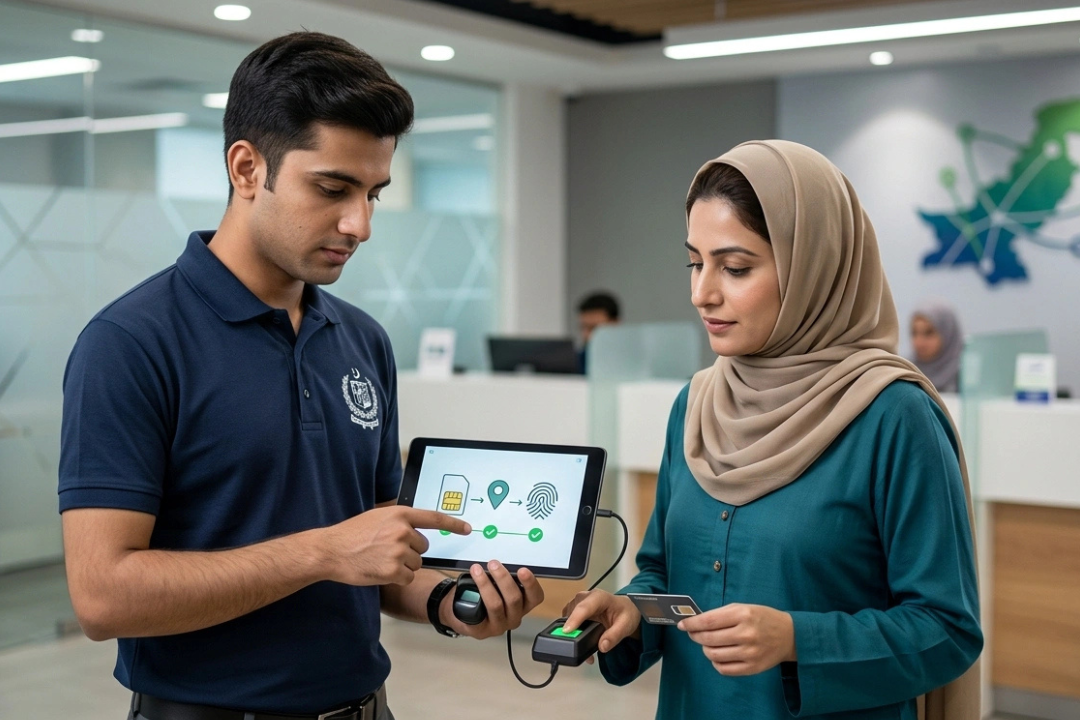
SIM ownership refers to the legal registration of a mobile SIM card under a person’s Computerized National Identity Card (CNIC). Pakistan’s Telecommunication Authority (PTA) rules say that every SIM card must be biometrically verified and linked to the owner’s CNIC.
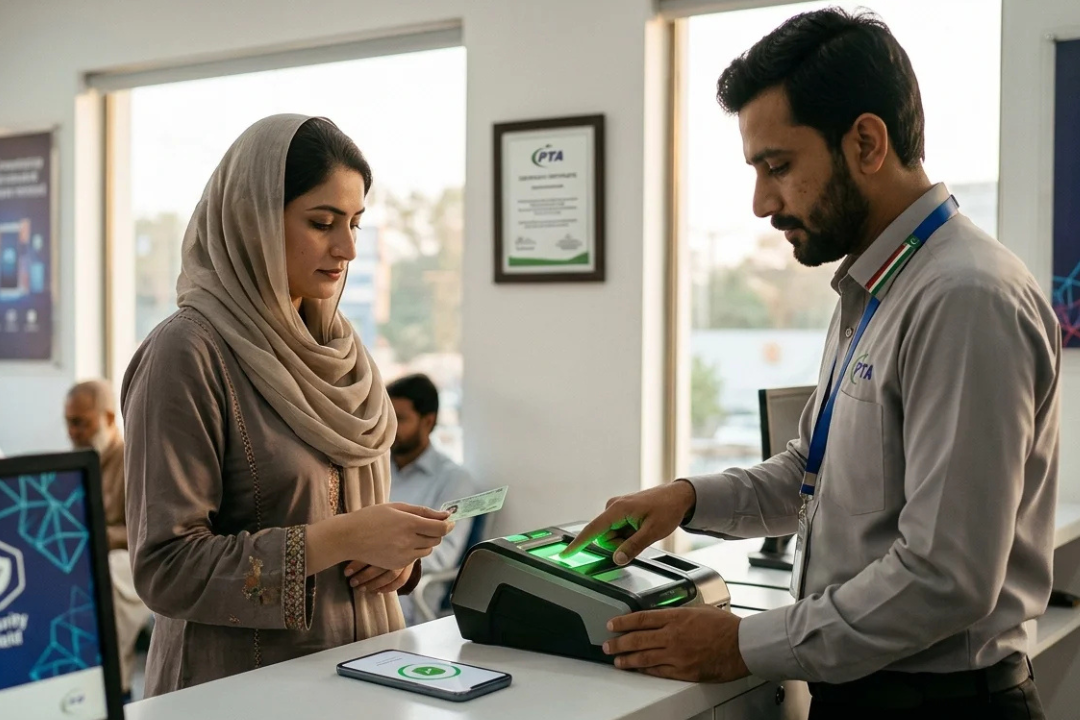
Biometric verification is used by the telecom company to keep track of your information when you buy a new SIM card. This process makes sure that the SIM card is legally linked to the right person.
SIM ownership is important because:
- It prevents illegal SIM usage
- Helps reduce fraud and cybercrime
- Protects personal identity
- Improves mobile network security
- Ensures PTA compliance
Without proper registration, a SIM card may be blocked or suspended by the telecom company.
Why SIM Ownership Verification Matters
Many users are unaware that multiple SIMs may be registered on their CNIC without permission. Unauthorized SIM registration can create serious problems, including:
- Fraudulent activities
- Spam calls
- Financial scams
- Illegal account usage
- Cybercrime investigations
Checking SIM ownership regularly helps you identify unknown mobile numbers linked to your CNIC. It also allows you to block unused or unauthorized SIM cards before they create security risks.
How to Check SIM Ownership in Pakistan
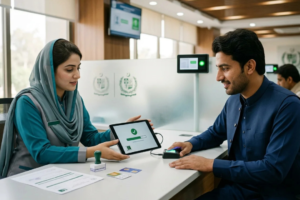
There are several official methods to check SIM ownership and verify active SIMs registered on your CNIC.
1. PTA SIM Information System
The easiest way to verify SIM ownership is through the PTA SIM Information System. This service allows users to check how many SIMs are active against their CNIC.
Simply:
- Visit the official SIM verification portal
- Enter your CNIC number
- Complete verification
- View registered SIM count
This method is safe, secure, and officially approved by the PTA.
2. Check SIMs Through SMS
Users can also verify active SIMs through SMS services.
Send CNIC to 668
- Open the messaging app
- Type your CNIC number without dashes
- Send it to 668
You will receive a response showing the number of active SIMs on each network, including:
- Jazz
- Zong
- Telenor
- Ufone
- SCOM
This is one of the most popular SIM ownership verification methods in Pakistan.
3. Verify Unknown Number Ownership
If you receive suspicious calls or messages, you may want to identify the network associated with the number.
You can:
- Use MNP services
- Check operator details
- Contact the telecom company
- Report spam numbers to PTA
However, personal owner details are protected under privacy laws and cannot legally be accessed through unofficial databases.
SIM Ownership Verification for All Networks
Each telecom operator in Pakistan offers SIM verification and biometric services.
Ownership Check for Jazz SIM
Jazz users can:
- Visit a Jazz franchise
- Use the Jazz World app
- Verify active SIM registration
- Confirm biometric status
Jazz also allows users to update ownership records through authorized service centers.
SIM Verification with Zong
Zong customers can:
- Visit official franchises
- Use My Zong App
- Verify SIM registration
- Check active numbers linked to CNIC
Zong strongly recommends biometric verification for all users.
Telenor SIM Ownership
Telenor users can:
- Visit nearby franchise centers
- Verify SIM ownership
- Update CNIC details
- Confirm biometric authentication
- Ufone SIM Check
Ufone SIM Check
Ufone customers can easily:
- Verify SIM registration
- Check CNIC-linked numbers
- Reactivate blocked SIMs
- Complete biometric verification
SIM Ownership Transfer Process

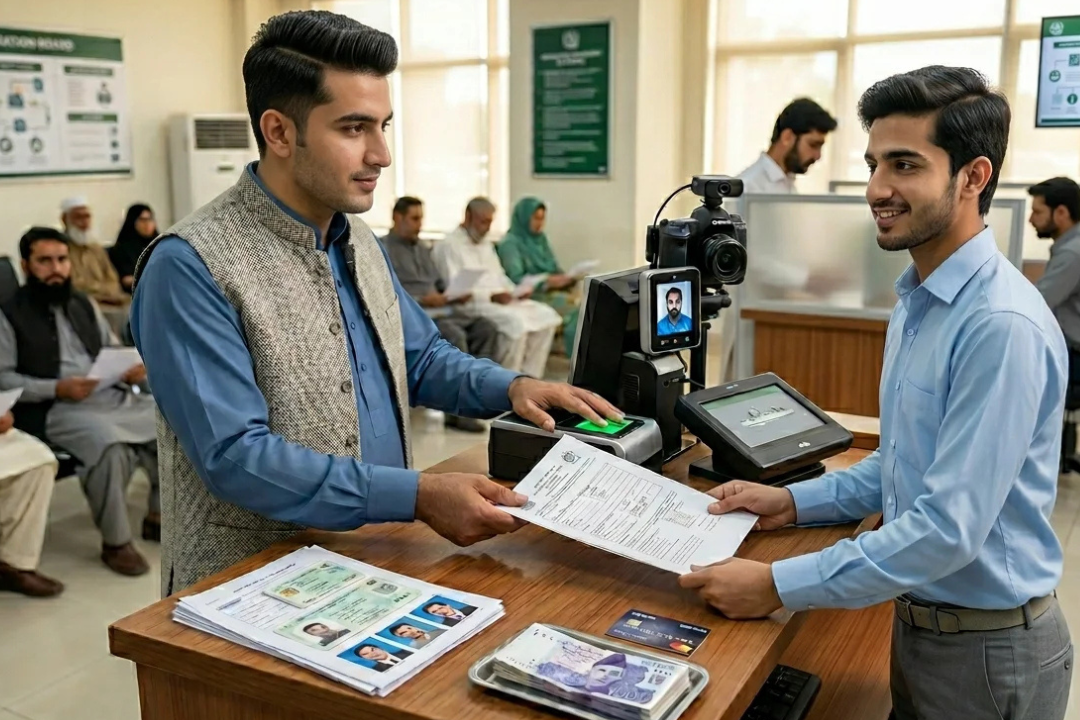
Sometimes users need to transfer SIM ownership to another family member or business partner. PTA allows SIM ownership transfer through biometric verification.
Required Documents
- Original CNIC
- Active SIM card
- Presence of both parties
- Biometric verification
Transfer Procedure
- Visit the official franchise
- Submit ownership request
- Complete biometric verification
- Confirm the transfer process
- Receive ownership confirmation
The process usually takes a few minutes if all documents are valid.
Common SIM Ownership Problems
Many users experience issues related to SIM registration and verification.
Unauthorized SIMs on CNIC
This happens when unknown numbers are registered against your identity.
Solution
- Check SIM count regularly
- Block unauthorized numbers
- Contact the PTA or the telecom operator
- Biometric Verification Failure
Sometimes fingerprints fail during registration.
Solution
- Update NADRA record
- Visit another franchise
- Retry the biometric process
- Blocked SIM Card
SIM cards may be blocked due to incomplete verification or PTA restrictions.
Solution
- Re-verify biometric details
- Update CNIC information
- Contact customer support
- Important Security Tips
- To protect your SIM ownership and mobile identity:
Important Security Tips
- Never share CNIC copies unnecessarily
- Avoid buying pre-activated SIMs
- Use only authorized franchises
- Regularly verify active SIMs
- Report suspicious numbers immediately
- Keep biometric records updated
Cybersecurity experts recommend checking SIM registration every few months to avoid identity misuse.
Is SIM Ownership Information Legal?
Many websites claim to provide complete SIM owner details databases. Users should avoid such platforms because they may:
- Violate privacy laws
- Share inaccurate data
- Create security risks
- Involve illegal data access
Always use official PTA and telecom operator channels for SIM verification.
FAQs About SIM Ownership
How can I check SIM ownership in Pakistan?
You can verify SIM ownership using the PTA SIM Information System or by sending your CNIC number to 668.
Can I check the unknown SIM owner’s details?
Personal ownership information is protected by privacy laws. Only telecom companies and authorities can access complete records legally.
How many SIMs can be registered on one CNIC?
PTA allows a limited number of SIMs per CNIC, depending on telecom regulations.
Can I transfer SIM ownership online?
Most ownership transfers require biometric verification at an official franchise.
Why is biometric verification necessary?
Biometric verification helps prevent fraud, identity theft, and unauthorized SIM registration.
Last Thoughts
All Pakistani mobile phone users must prove they own their SIM card. Official PTA verification methods are the safest way to check your CNIC SIMs, transfer ownership, confirm biometric registration, or prevent unauthorised use of your phone.
Verifying your SIM card on a regular basis makes it safer, protects your identity, and makes sure you’re following telecom rules. When checking who owns a SIM card, only use official PTA systems and telecom channels. Never use illegal databases or fake verification tools.